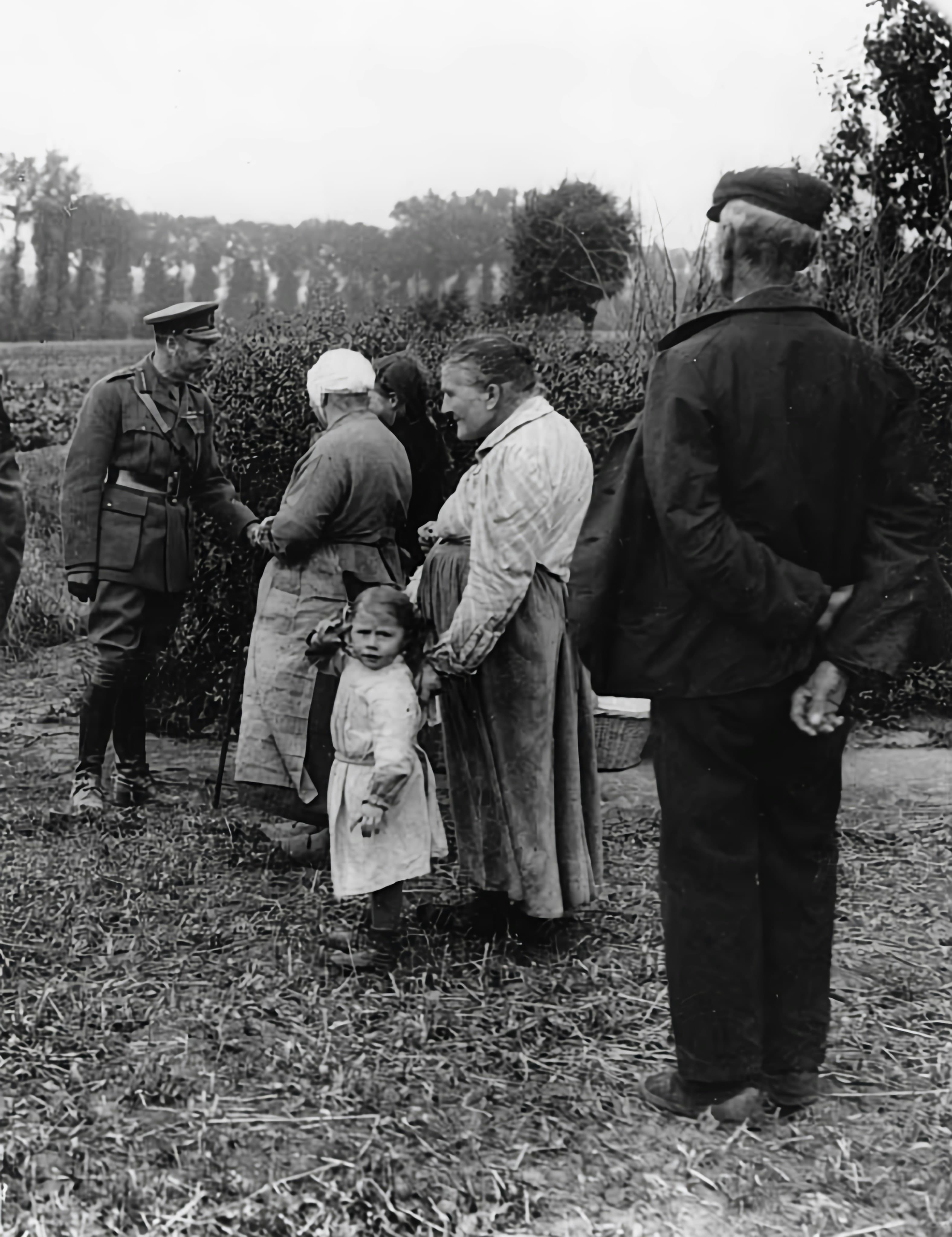
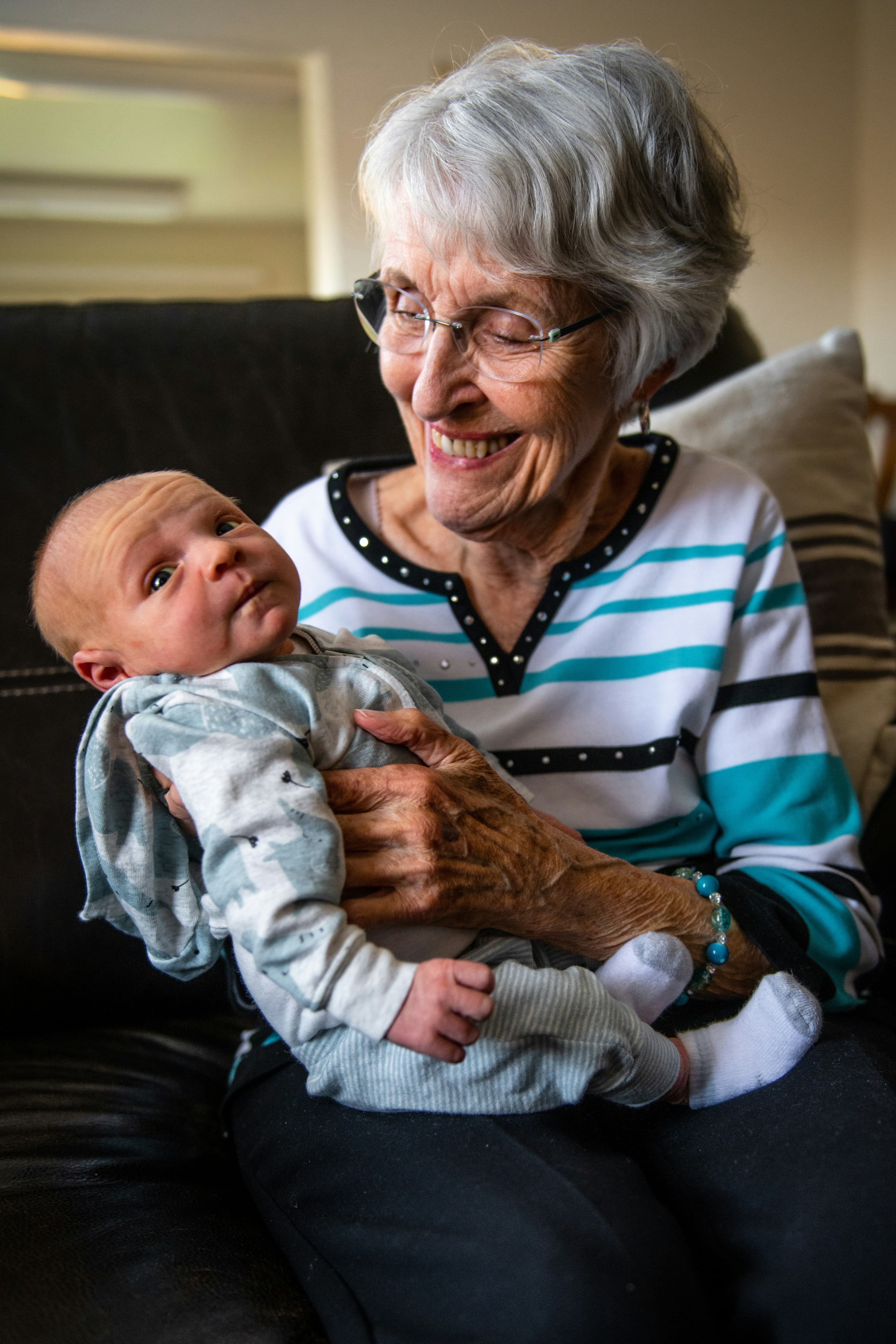



What your family album looks like
Tagged by person, year, and place. Searchable by anyone in the family. Yours for as long as the family does. Browse a real one →





Everything a family archive needs
How it works
Simple enough for the whole family
No manual required. Here's the whole workflow, exactly as your family will see it. Or skip the tour and try the sample gallery.
Invite the family in under a minute
A name and an email address, that is the entire form. They get a link, set their own password, and they are in. From there everyone can browse every photo, add their own, put names and dates on the ones they recognise, and comment on the ones they remember. Unlimited members on one subscription, so there is no reason to leave anybody out.
Add photos in seconds
Drag photos in, one or a whole box worth. Big scans are no problem, and a folder can become an album automatically. Every family member can add their own.
Put names to the faces
Click a face, type a name, done. Add the year, the place, the occasion. Every tag makes the archive more searchable: click Grandma's name and every photo of her lines up across the decades.
Keep the back of the photo, too
The handwriting on the back (names, dates, “summer of '62”) is half the story. Attach the back of a print and it stays with the picture, one click away, forever.
Switch on the extra help, or leave it off
Finding duplicates and grouping faces stays off until you turn it on, gallery by gallery. It all runs on our own machines: your photos are never handed to an outside AI service, and they are never compared against another family's gallery. Change your mind and switch it off, and every face measurement and photo fingerprint we made is deleted, the names you added stay yours.
Upload carelessly, we will find the duplicates
Scan the same shoebox twice, or have three relatives upload the same print, and it does not matter. Every photo gets a fingerprint, and near-identical copies are grouped for you to compare side by side. You choose which to keep, and the names, albums, comments and back-of-photo scan from the other copy move across before it goes. Nobody has to hunt through thousands of photos looking for repeats.
Stop tagging one photo at a time
Name someone once and we look for them in every other photo, each suggestion carrying how confident we are, so the obvious ones take a single click. Faces nobody has named yet are grouped by who they look like, biggest group first. Say “that is Aunt Ruth” once and every photo in the group is tagged together. Not sure? Skip it. Nothing is ever guessed on your behalf.
Field notes for the keepers
Practical guides on preserving, organizing, and sharing your family's photo history.
You Got Your Scans Back. Now What?
The scanning service did its job: the box came back with a USB stick in it. This is the moment most photo projects quietly fail. Five steps, in order, from someone who has watched a lot of families get this far and no further.
Read article →ScanCafe Review: What the Cheapest Big Scanning Service Actually Gets You
ScanCafe is the budget option most people land on, and for large collections it is genuinely hard to beat on price. An honest review from a competing scanning service: what you get for 22 to 34 cents a photo, what you give up, and who should use them instead of us.
Read article →What Legacybox Actually Costs: The Two Products Nobody Explains
Legacybox runs two completely different products at completely different prices, and most first-time customers buy the expensive one without knowing the cheap one exists. Real 2026 numbers, the recurring fee that hides in the fine print, and how to pay 7 cents a photo instead of a dollar.
Read article →Simple, honest pricing
Try it free for a month, no card needed. Then one flat price, $49 a year.
One place.
Every generation.
Every family has decades of memories scattered across phones, drawers, and shoeboxes. Bring them into one place that lasts.
Start free, no card needed →